Today, On hydrapwk post hydrapwk drop New release HydraPWK 2025.04 With codename Viper
In this release Like usual we made with Additions and changes. What is it?
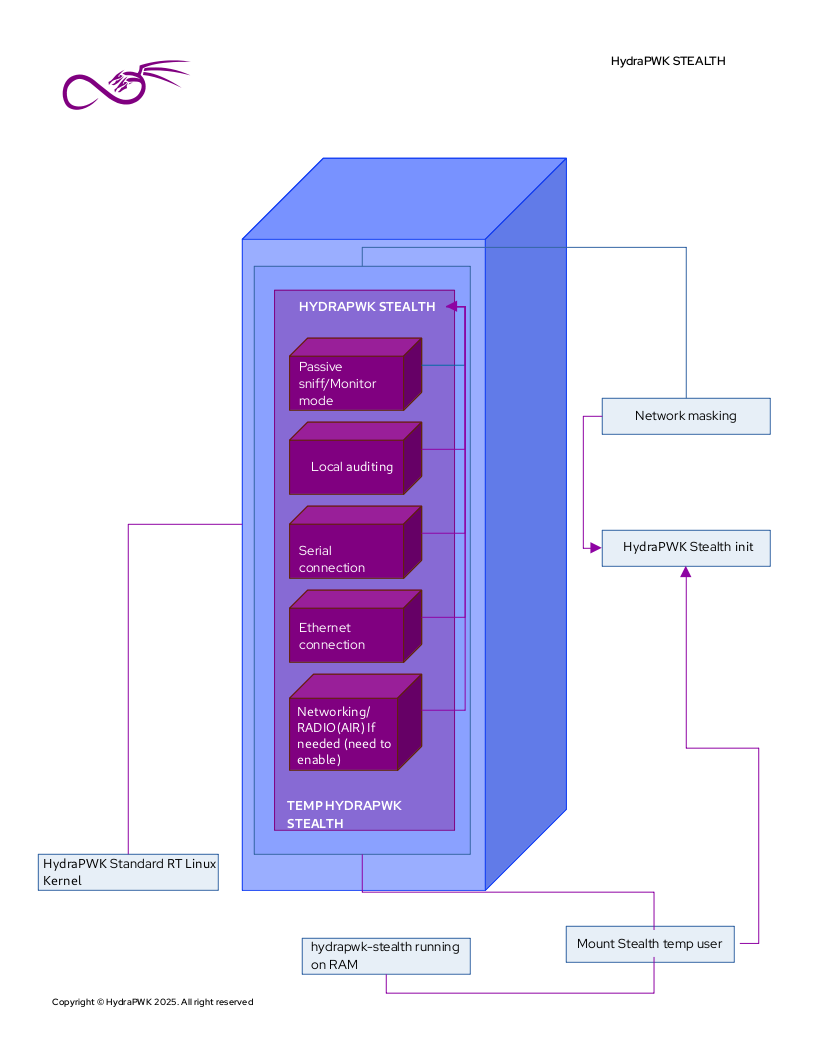
But before we start Let’s take a look new feature of HydraPWK (hydrapwk-stealth) you can check Image bellow for hydrapwk-stealth Architectures
Note: You need to install HydraPWK on your machine before init hydrapwk-stealth
As you can see the image above is showing Process how You could get into hydrapwk-stealth and what you can do or not if you boot into hydrapwk-stealth mode And you may will asking.
What the goal?
The main goal of hydrapwk-stealth is for reduce detection from IDs (Intrusion Detection System).
As default the network interface when you boot into hydrapwk stealth the interface will use monitor mode as default (Please read. hydrapwk stealth documentation).
hydrapwk-stealth is temporary user, home directory of hydrapwk-stealth user is non persistence (Running on RAM) and once you reboot your data in hydrapwk-stealth will lost, and ofc, if the data is important you could copy your data into opt or whatever place. DON'T SAVE YOUR DATA IN hydrapwk-stealth it will lost.
…And let’s jump to Whats New?
What’s new?
- hydrapwk stealth - Stealth mode for reduce IDs Detection
- Wazuh - open source security platform that unifies XDR and SIEM protection for endpoints and cloud workloads.
- Update requirements - system minimal requirements
- Kernel migration - Migrate HydraPWK RT(PREEMPT_RT) Kernel sources.
HydraPWK Stealth
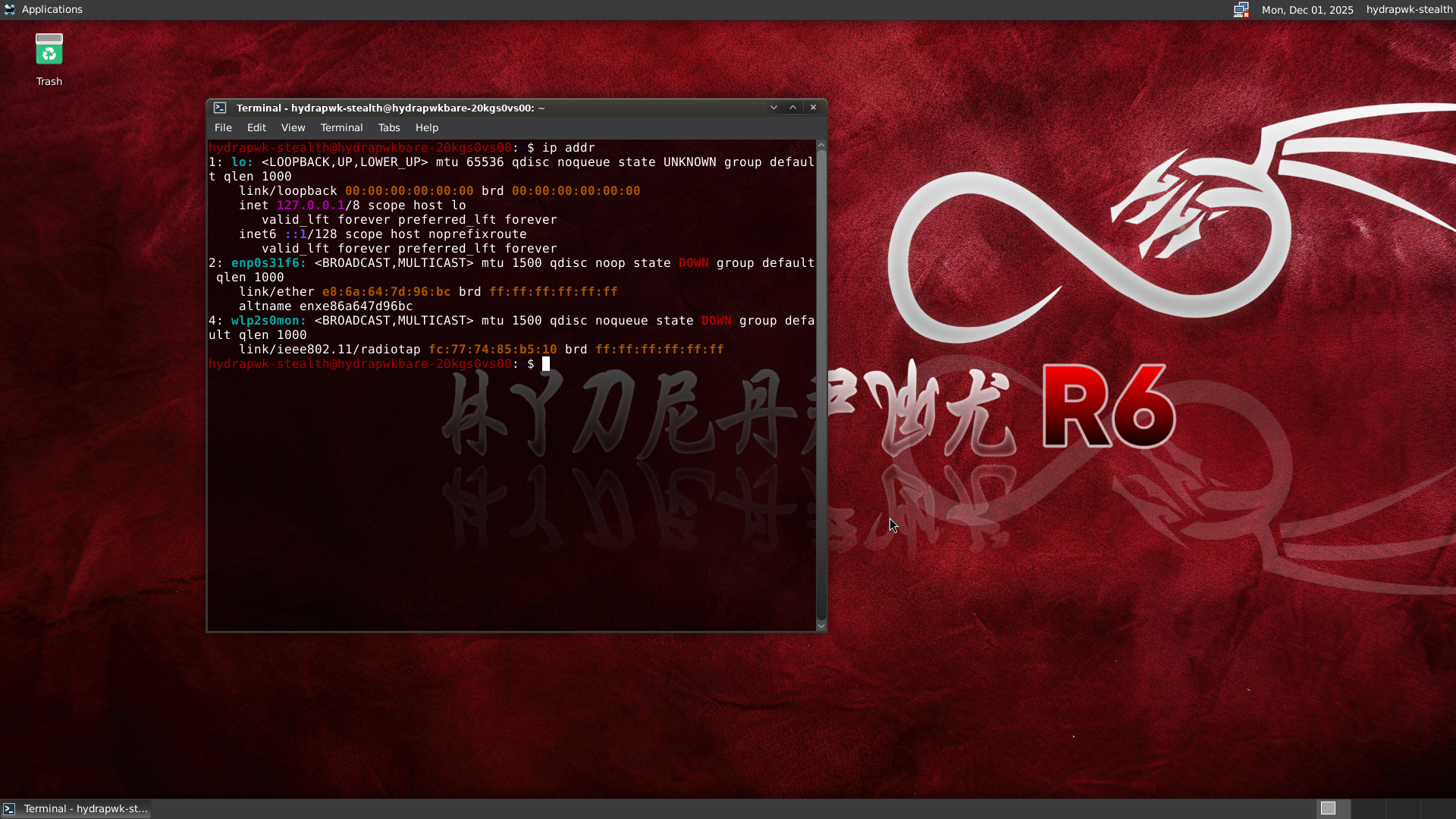
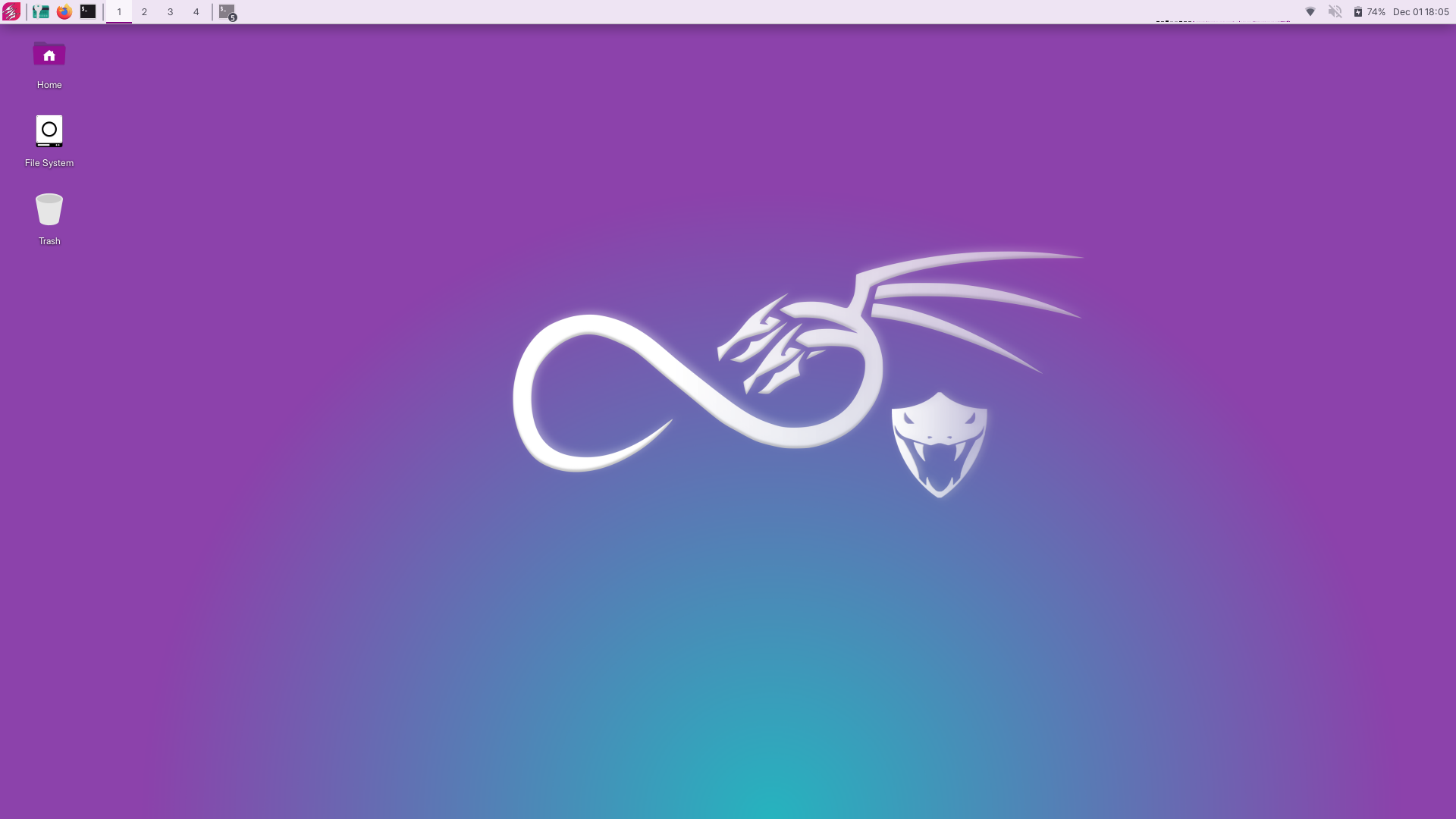
We may don’t need to explain again about hydrapwk-stealth, we just will give you the different between boot into hydrapwk-stealth and standard hydrapwk
Boot into hydrapwk stealth
Boot into normal HydraPWK
Wazuh
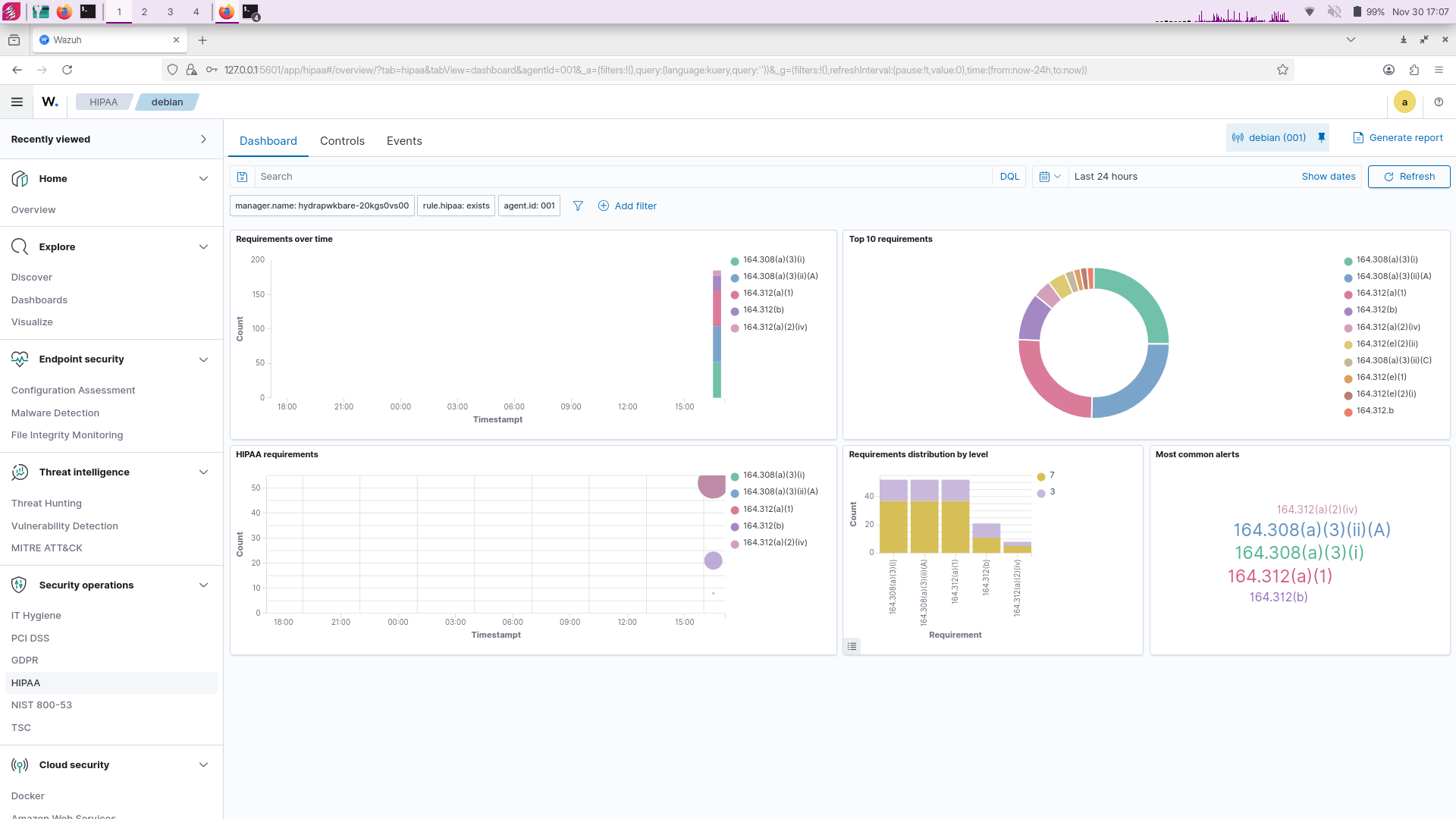
So yeah we’ve been working 2-3 weeks to integrate wazuh for hydrapwk, and here is wazuh running natively on hydrapwk and it would be SIEM on your backpack
Note: This is not an official binary of wazuh (the binary build by HydraPWK)
Wazuh cannot init when you running hydrapwk on live mode you need to install hydrapwk on your machine (Please check our hydrapwk wazuh documentation)
And about system requirements we are update hydrapwk minimal system requirements (Important)
You need 16GB RAM and 128GB DISK and 4 CORE CPU
HydraPWK Wazuh Login

HydraPWK Wazuh Dashboard

HydraPWK Wazuh TI MITRE
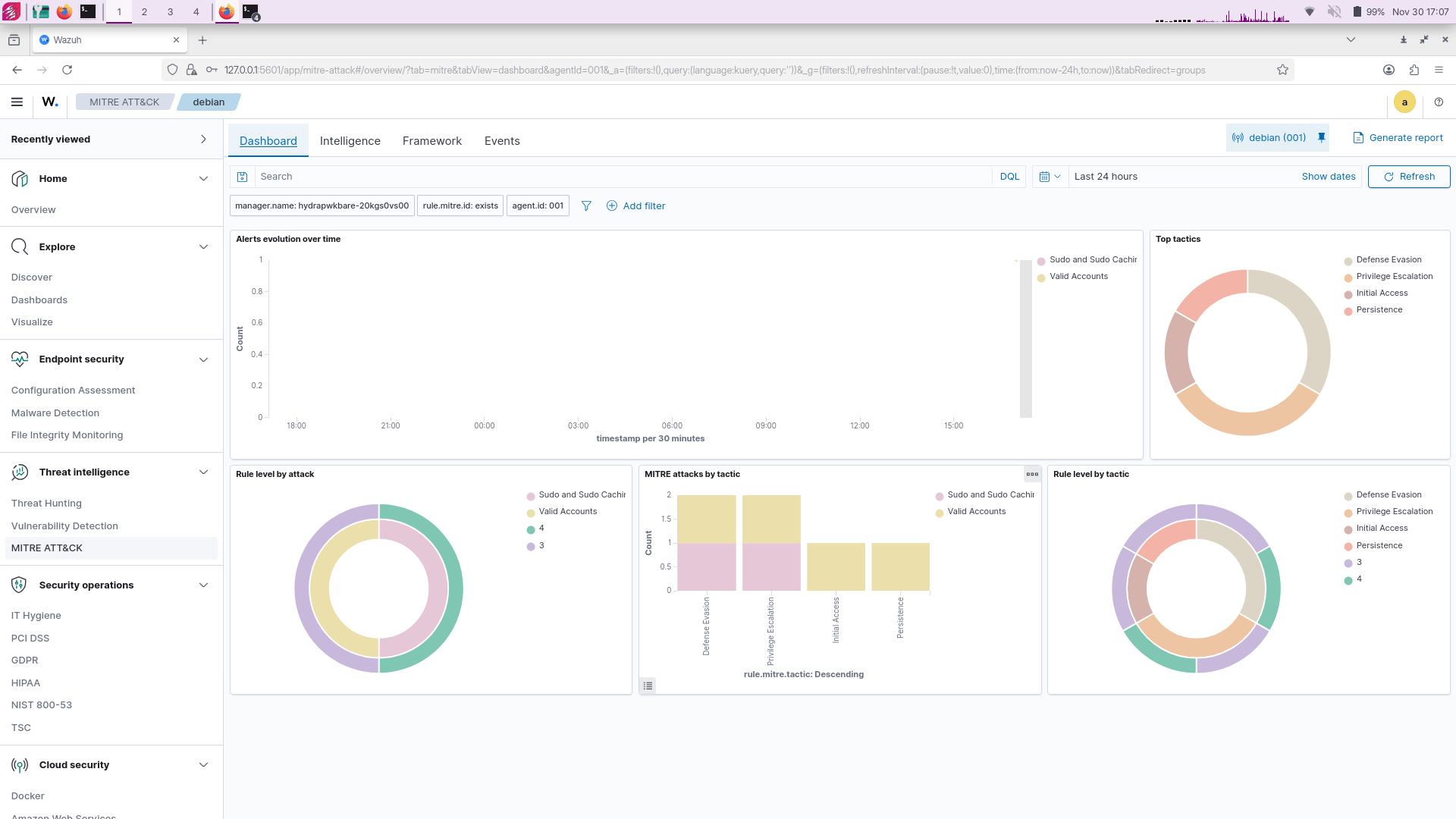
HydraPWK Wazuh HIPA
Update requirements
here is, this is our recommendation (Minimal) hardware to run hydrapwk.
| RAM |
DISK |
CPU |
| 16GB |
128GB+ |
4 CORE |
And you may asking why? Why hydrapwk need very much Resources?
even if we’re using One task one tool philosophy, it is not mean HydraPWK Lightweight, desktop environment we’re using is minimal xfce4 desktop and it’s just take less than 1GB on idle (We cannot claim this, but we’re sure).
The problem is on the tools, which the tools we’re bring is Top tools only industry standard tools no duplicate only one task one tool, so yeah we won’t to compremise with it and ofc HydraPWK need a big requirements, much tools in HydraPWK is heavy tools for Industry
In essence, the tools we brought were few, but all the tools were taken from (Industry and real-world cases).
Kernel Migration
So yeah, we have been import kernel source from debian, and this release we’re used it, but don’t worry the kernel is still RT(realtime) kernel (PREEMPT_RT).
You may asking why?
As you know the previous HydraPWK kernel was a vanilla kernel from linux, and it is likely to be prone to BUG so we imported the Debian kernel into HydraPWK to minimize BUG.
But the main important is: Don’t worry HydraPWK still using RT kernel as default
Updating hydrapwk
Update hydrapwk using fresh image? Yes you can Get hydrapwk image now
so yeah don’t worry, if you have already hydrapwk Apes you can update you’re hydrapwk to the latest version (Viper) easily.
hydrapwk@hydrapwk:~$ sudo apt update && sudo apt full-upgrade -y # this is will pull 'HydraPWK Helper patch'
[...] # After thats you need to initialize hydrapwk viper
hydrapwk@hydrapwk:~$ sudo apt update && sudo apt full-upgrade
And boom! now you could check your hydrapwk version
hydrapwk@hydrapwk:~$ grep VERSION /usr/lib/os-release
# Now the output should be `Viper`